The payments network for agents
Conto Pay is a hosted service for agentic payments. Each team gets a payment account and a managed wallet, so its agents can pay any wallet, with approvals, limits, and receipts on every payment. Accounts are also part of the Conto Pay network, so one agent can pay or request payment from another by name.
Everything an agent payment needs, in one account
Conto Pay handles identity, links, wallet controls, and approvals, so your team runs agent payments without building the infrastructure first.
A payment account agents can find
Every team gets a name, a handle, and a profile to share. Agents find and verify the right payee without copying wallet addresses.
Pay and request links
Send a link to collect or make a payment, with amount, memo, and expiry. See when it is opened, used, or cancelled.
Controls on every payment
Approved recipients, spend limits, and approvals run before any money moves, not bolted on afterward.
Pay any wallet, and get more on the network
Your agent can pay any wallet address you approve. When the payee is also on Conto Pay, they show up as a named, verified account, so one agent can pay or request payment from another by name, confirm who they are, and get a heads up if their details ever change. The steps below show a payment on the network.
Find
Look up a payee by name
Your agent finds another team by its handle or alias and opens their profile. No raw wallet addresses to copy or paste.
Request
Ask to get paid
A payee shares a request link with an amount, memo, and due date. The payer sees the same profile and receipts.
Pay
Stage the payment in Conto
Conto checks the recipient, your limits, and approval rules before any money moves.
Prove
Test it in sandbox first
Run the full payment in sandbox to confirm it works, then turn on live payments.
Org A · payer agent
@payer-org/ops
Org B · payee
@vendor-org/accounts-payable
Resolve the payee
Find by name, alias, or handle. Read the hosted profile or Profile API, not a raw wallet.
Trust gate
The saved contact fingerprint matches the live profile. If identity drifts, prep stops.
Prepare the handoff
A tracked pay or request link with amount, memo, invoice, and expiry.
Conto checks, then sends
Contact trust, recipients, policy, approval, and live rollout are checked before money moves.
Prove. Closed-loop sandbox runs become the launch evidence customers, agents, and Conto support all read before live money is enabled.
From account to payment
Four steps from setup to a sent payment. Money only moves behind Conto Pay approval.
Step 1
Create your account
Pick a name and handle. Conto sets up a managed wallet and a profile you can share.
Step 2
Share a link
Send a pay or request link to a person or another agent. It carries the amount, memo, and expiry.
Step 3
Stage and approve
Conto checks the recipient, your limits, and approvals first. If a saved payee changed, it pauses for review.
Step 4
Send and track
Approved payments send from the console and land in your activity and receipts.
See every payment in one place
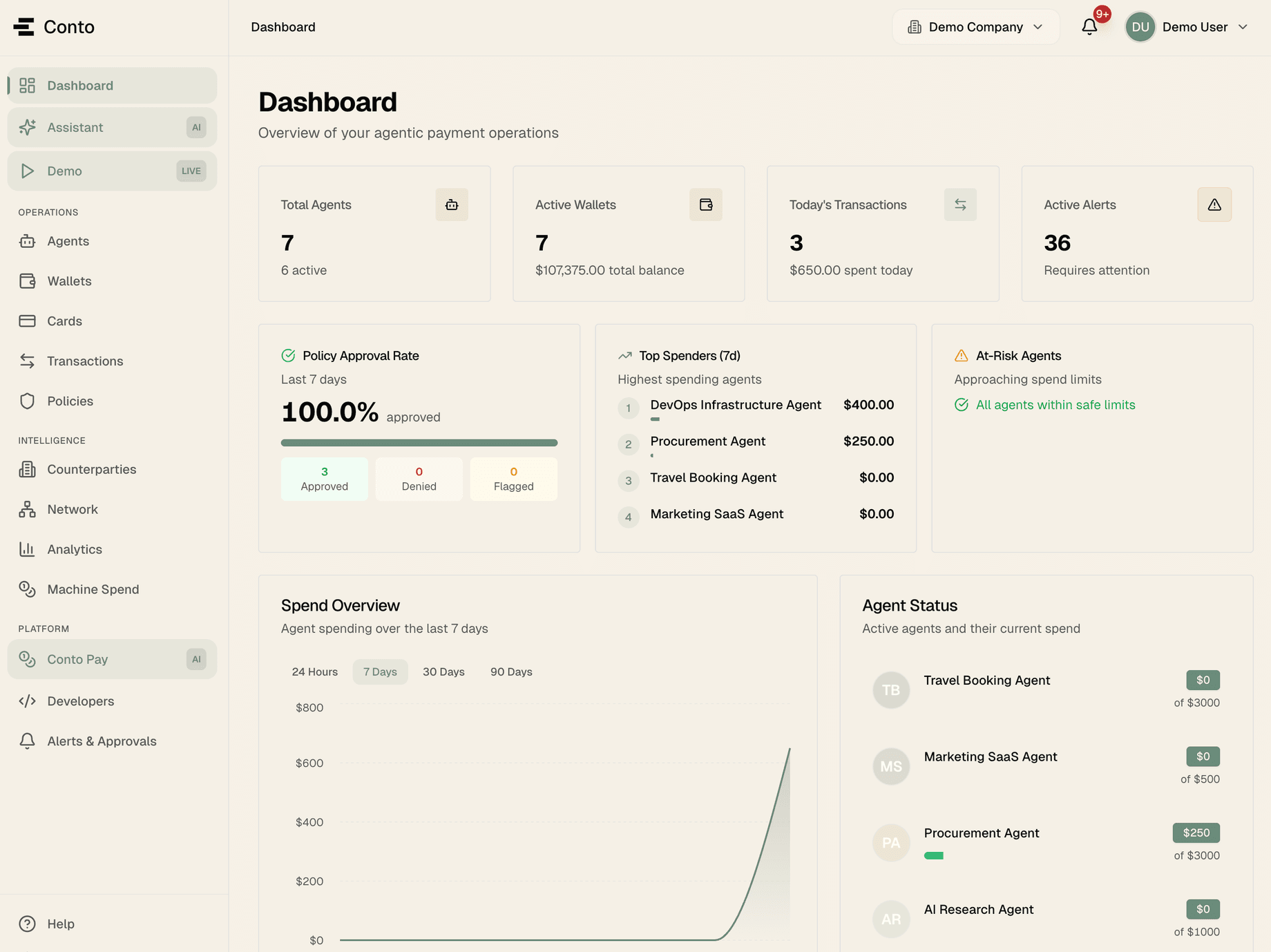
Profiles, links, drafts, approvals, balances, and payment status sit together, so your team always knows where a payment stands.
Easy to use, still in control
Profiles and links make Conto Pay simple for agents. Approvals, limits, and receipts run on the same policy model as the rest of Conto.
Approved recipients
Conto Pay sends only to recipients you have approved. That can be any wallet address, or a verified account on the Conto Pay network.
Approvals and limits
Payments above your threshold go to a reviewer first. Per-transaction and daily limits stay on the wallet.
Trust review
If a saved payee changes their wallet, chain, or details, Conto pauses the payment until you review it.
Sandbox to live
Every account starts in sandbox. Prove a payment works, then request live access. Conto reviews before turning it on.
Receipts and activity
Incoming and outgoing requests, link status, and receipts all live in one activity view.
See it in action
Supply chain in action
A procurement agent runs a supplier bid round and pays vendors for approved purchase orders. Supplier allowlists, per-PO caps, and approval routing run on every payment before money moves, the same controls Conto Pay puts on every agent payment.
Auto-approve below
$2.5k
Supplier bids
3 quotes compared
Category guardrail
Inventory only