Spending controls for OpenClaw agents
Your OpenClaw agent can make payments. Conto intercepts every one and evaluates it against per-transaction limits, daily budgets, category restrictions, approval workflows, and 40+ other policy rules. All before money leaves the wallet.
What happens when your OpenClaw agent pays
The Conto skill intercepts outgoing payments before execution and evaluates them against your active policies.
Agent triggers payment
Your OpenClaw agent calls a payment tool. The Conto skill intercepts the request before any funds move onchain.
Works with x402 micropayments, direct transfers, and virtual card charges.
Policies evaluate
All active rules are checked in one call: spend limits, categories, counterparty trust scores, time windows, velocity controls.
40+ rule types. Sub-second evaluation.
Outcome: approve, deny, or escalate
Approved payments execute onchain. Denied payments return the specific violation. High-value requests route to the dashboard for sign-off.
Full audit trail for every decision.
Controls your wallet can't enforce
Fine-grained rules that go beyond basic balance checks.
Spend limits
Per-transaction, daily, weekly, and monthly caps. Scoped by agent or project.
Category restrictions
Allowlist approved categories like API providers. Block everything else.
Counterparty rules
Block suspicious addresses, allowlist vendors, set minimum trust scores.
Time windows
Restrict payments to business hours, weekdays, or custom schedules.
x402/MPP controls
Cap per-request cost. Limit daily spend per service. Allowlist endpoints.
Approval workflows
Human sign-off above configurable thresholds. Dashboard alerts on denial.
Create policies in plain English
With an admin SDK key, your agent manages policies via natural language.
/conto create a policy that limits each transaction to 200 pathUSD/conto only allow API_PROVIDER and CLOUD categories/conto block address <address> from receiving payments/conto require approval for payments over 500 pathUSD/conto list my policiesDashboard visibility
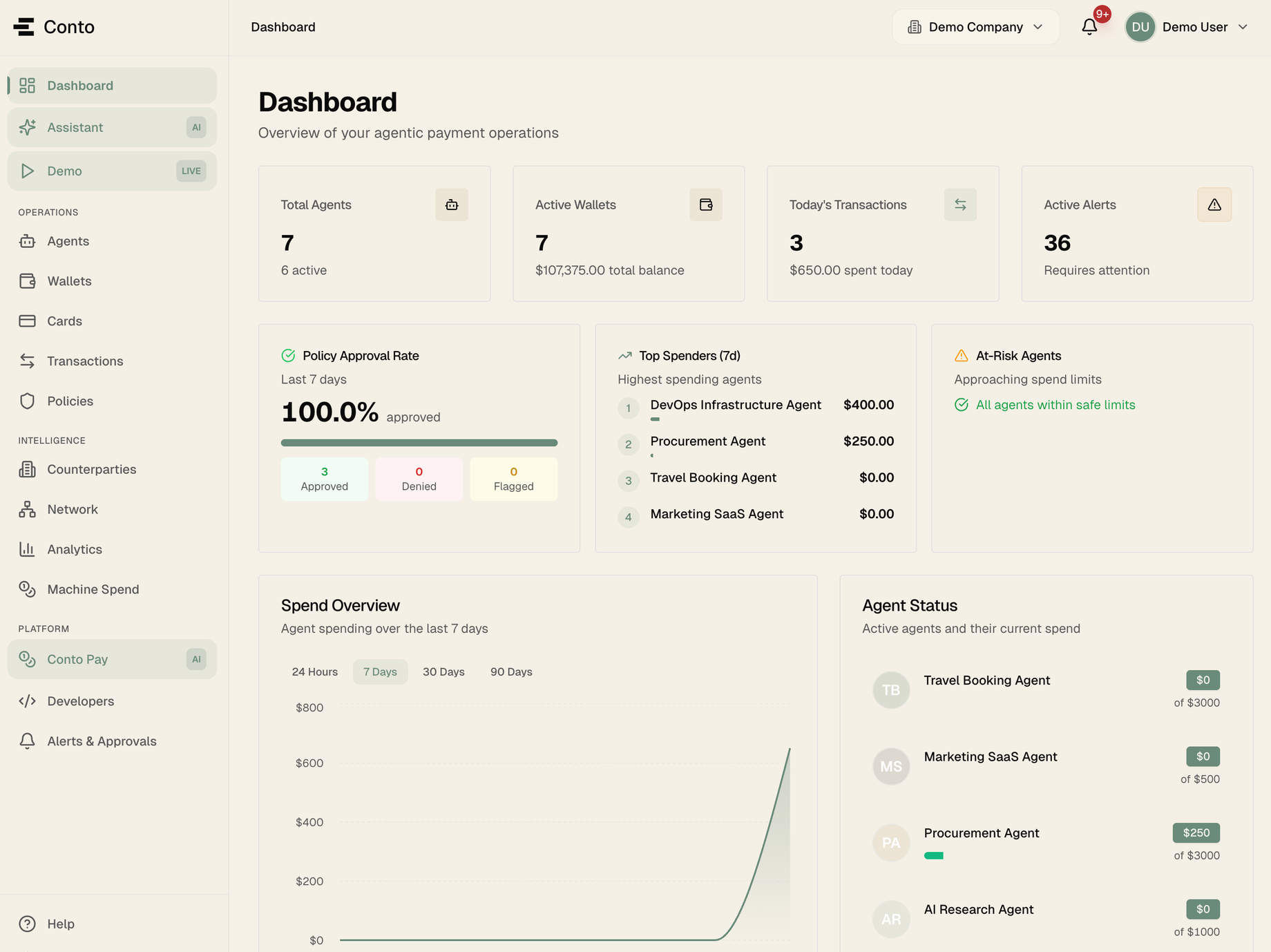
Payments, spend limits, denied transactions, and alerts. One dashboard for every OpenClaw agent.